How to Generate Product Images with AI
Learn how to generate professional product images with AI. Complete guide to AI product photography including lifestyle scenes, backgrounds, and marketplace-ready visuals.
March 12, 2026 · 7 min read
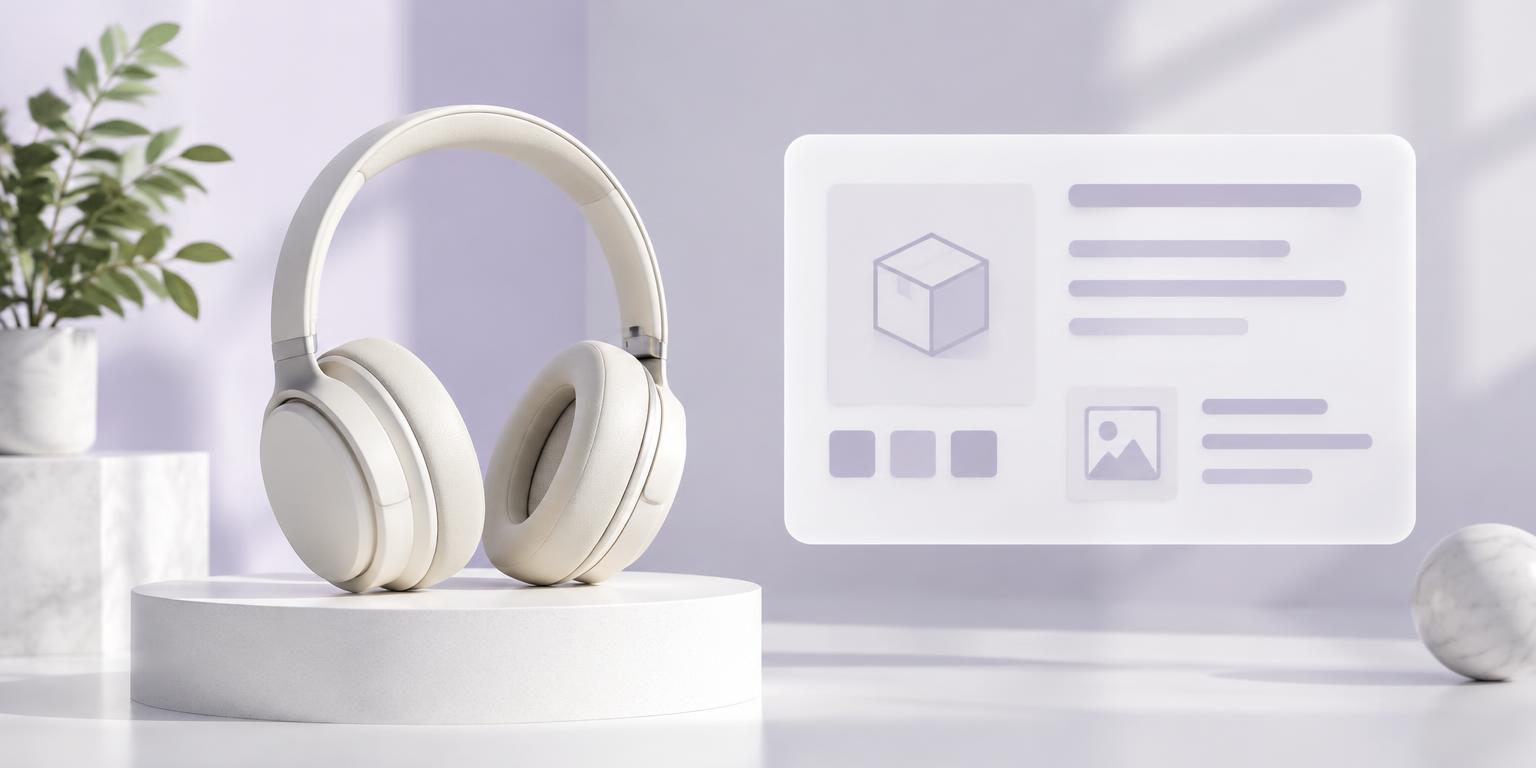
Product images are the single biggest factor in ecommerce conversion rates. Yet professional photography remains expensive, time-consuming, and hard to scale. AI-powered product image generation is changing this — enabling brands to create studio-quality visuals at a fraction of the cost. Here's how to use it effectively.
Why Product Images Matter for Ecommerce
93% of consumers consider visual appearance a key factor in purchasing decisions. Products with high-quality images see 20-40% higher conversion rates. But maintaining professional imagery across a large catalog is a significant cost center — one that AI can dramatically reduce.
Types of AI-Generated Product Images
White Background (Hero Images): Clean, studio-style product shots on white or neutral backgrounds. These are the primary images required by Amazon, Shopify, and most marketplaces.
Lifestyle Scenes: Products placed in realistic environments — furniture in living rooms, clothing on models, food in styled kitchens. These contextual images help customers visualize product use.
Feature Callouts: Infographic-style images highlighting key features with text overlays, arrows, and close-up details. Perfect for A+ content and enhanced brand content.
How to Get Started
Step 1: Upload your existing product photos or basic data to an AI platform like Catalevo.
Step 2: Select image types needed — hero shots, lifestyle, multi-angle, or background variations.
Step 3: Configure brand guidelines — lighting style, background preferences, and composition rules.
Step 4: Generate and review. Most platforms produce images in seconds per product.
Best Practices
Always start with the best source image you have — AI enhancement works better with good input. Use consistent lighting and style settings across your catalog. Generate multiple variants to A/B test which visual style converts best. And verify generated images meet your marketplace's specific requirements.
Cost Comparison
Professional photography: $50-500 per product. Freelance editing: $15-50 per image. AI generation: $1-5 per product with unlimited variations. For a catalog of 1,000 products, that's $50,000-500,000 for traditional photography vs. $1,000-5,000 with AI — a 90%+ cost reduction.